Your ChatGPT listing
Your businessinside ChatGPT
ChatGPT has a listing for businesses: name, opening hours, contact details, what you do. You can take it over right away, by pressing the button on the listing. Mador prepares it with you and then keeps it in order.
Lone Oak Dental
Dentist · Austin, TX
Family dental practice in South Austin. Cleanings, fillings and braces, open Saturday mornings too.
- Hours
- Mon-Fri 8am-6pm · Sat 9am-1pm
- Phone
- +1 512 555 0100
- Website
- loneoakdental.example
What this is about
When someone asks ChatGPT for a dentist nearby, the practice's listing can appear next to its name. That listing may already be there even if you've never touched it, and it can carry details pulled from other sources. Now OpenAI lets the business step forward, say “this is us” and fix whatever isn't right.
Lone Oak Dental
Dentist · Austin, TX
Mon-Fri 8am-6pm · Sat 9am-1pm
What Mador does
- Writes your description, category, contact details and opening hours from what it already knows about you. You check them and correct them.
- Tells you what to do, one step at a time, when OpenAI asks you to prove the business is yours.
- Remembers where you've got to, so you never start from scratch.
- Notes down the figures OpenAI shows you on the listing, so next month you can see whether they've changed.
What you need to do
Just one thing: prove to OpenAI that the business is yours, or that you represent it. It's an identity check, and Mador can't do it for you. Everything else is waiting for you, ready.
- 01Claim sent
- 02Identity checkyou do this
- 03Verified
- 04Access given to Mador
Where you can already do it
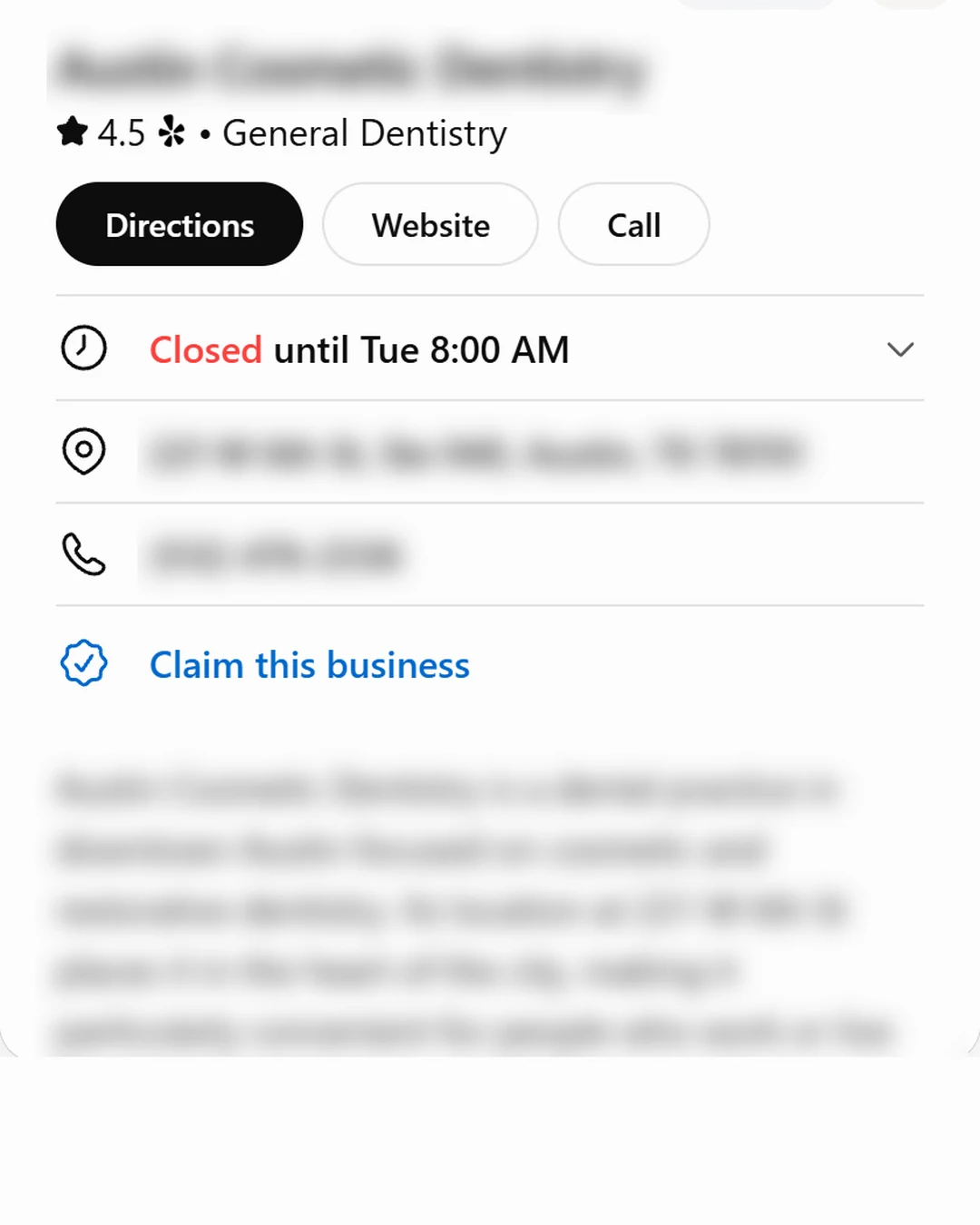
The button is already there. Open your business's listing in ChatGPT: below the address and phone number you'll find “Claim this business”, in Italy and Spain too. We saw it in November 2026. Mador gets your description, category, contact details and opening hours ready first, so when you press it everything is in place. For businesses with premises, OpenAI's guide still only mentions the United States: if the process stops halfway where you are, Mador keeps your details ready and lets you know when it's unblocked. If you work only online, it depends on the country and on what you sell.
Source: OpenAI's official guide, read on November 16, 2026. help.openai.com
- United Statesbutton's there
- Italybutton's there
- Spainbutton's there
What matters most
Taking over your listing doesn't change how often ChatGPT recommends you. OpenAI says so itself. The listing is there to say clearly who you are when ChatGPT already mentions your name. Getting it to mention you takes work every week: Mador asks your customers' questions again, sees who shows up in your place and writes the pages you're missing.
- ChatGPT
- Claude
- Gemini
- Perplexity
- Grok
- Bing
- Google AI Overviews
- Mistral
- Meta AI
- Google AI Mode
- DeepSeek
- Qwen
- GLM
- Kimi
Let's get your listing ready
Leave us your name, business, email and country. We'll prepare your listing and show you how to press the button.
Or write to support@mador.ai.